
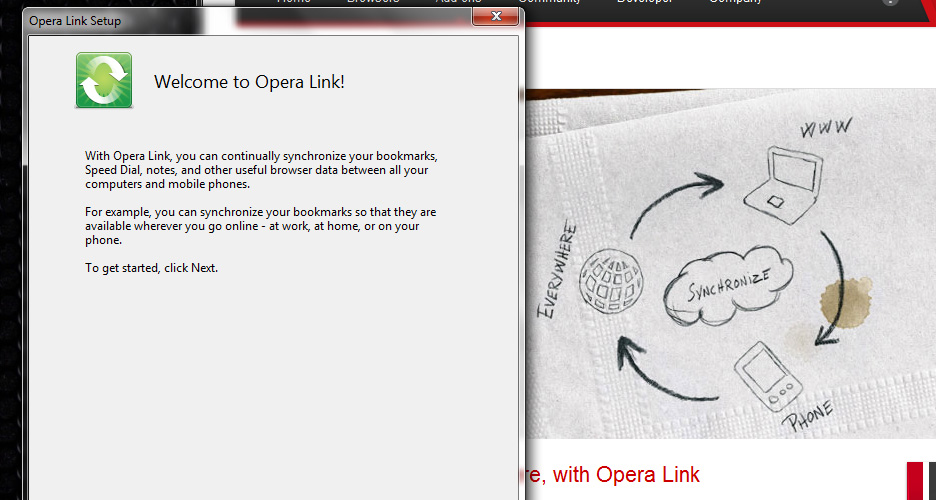
Opera Link 2007 – 2015
Your bookmarks, Speed Dial and notes, on every Opera you use. Opera Link synchronized the browser on your computer with Opera Mini and Opera Mobile on your phone, years before browser sync became common.
One browser, many devices
Opera Link was released on October 25, 2007, together with the Opera 9.5 beta and the newest beta of Opera Mini 4. You signed in with your My Opera account, and Opera kept a copy of your data on its servers so that every installation stayed in step.
Over the years it learned to synchronize more and more:
- bookmarks and the Personal bar;
- Speed Dial entries;
- notes;
- typed history and custom search engines;
- passwords, from Opera 11.50.
Because Opera Mini already went through Opera's servers, Link fit naturally: bookmarks saved on the phone appeared on the computer, and the other way round.
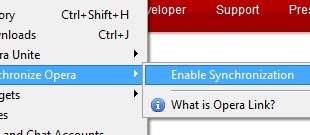
Turning on synchronization.
Choosing what to synchronize.
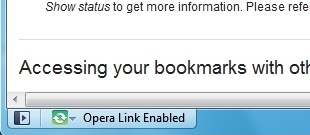
Your data, on another computer.
Use Opera Link again
Opera closed its Link servers long ago, but The Red O runs a new one. Opera 12 can synchronize with it again: your bookmarks, Speed Dial, notes, searches and typed history between your computers, and you can see and edit them on the web.
- Create an account (free).
- In Opera 12, open
opera:config, or close Opera and editoperaprefs.iniin your profile folder, and set these three preferences:[Opera Account] Server Address=https://account.theredo.org/xml OAuth access token URI=https://account.theredo.org/service/oauth/simple/access_token [Opera Sync Server] Server Address=https://link.theredo.org/pull
- Restart Opera, then turn on Link from the Opera menu (Synchronize Opera…) and sign in with your new account.
- Your data is then on your Link page.
Passwords synchronized by Opera are encrypted by the browser before they are sent: the server never sees them. Opera Mobile 12.1 and Opera Mini 7.6 / 8 speak the same protocol, but their server addresses are built into the application.
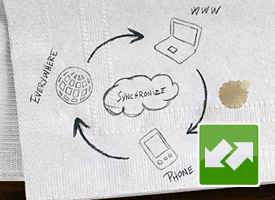
Opera Link in Opera Mini 4.
Related
- Opera 9.5, the first version with Link
- Opera Mini and Opera Mobile
- My Opera accounts