
Features that made Opera
For almost twenty years, Opera's developers, most of them in Oslo, kept shipping ideas that other browsers adopted later. Here are some of the features that made Opera, with the version that introduced them.
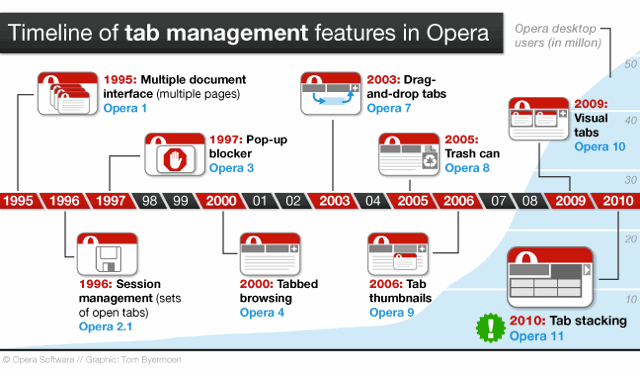
Tabbed browsing
From Opera 1, every page opened as a window inside a single application window. Opera 4.00, in 2000, added tabbed browsing, and later versions brought tab drag-and-drop (7.00), visual tabs with page thumbnails (10.00) and tab stacking (11.00).
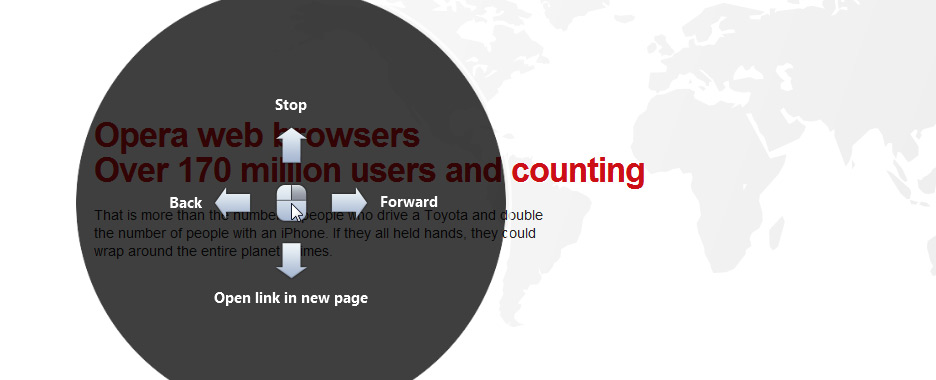
Mouse gestures
Hold the right button and flick the mouse: left to go back, down then up to open a link in a new background tab, down and right to close the page. Opera 5.10 shipped mouse gestures in April 2001; Opera 11.00 added a visual guide to learn them.
Sessions
Since Opera 2.10, in 1996, Opera could save all open pages as a session and reopen them later, long before other browsers restored their tabs.
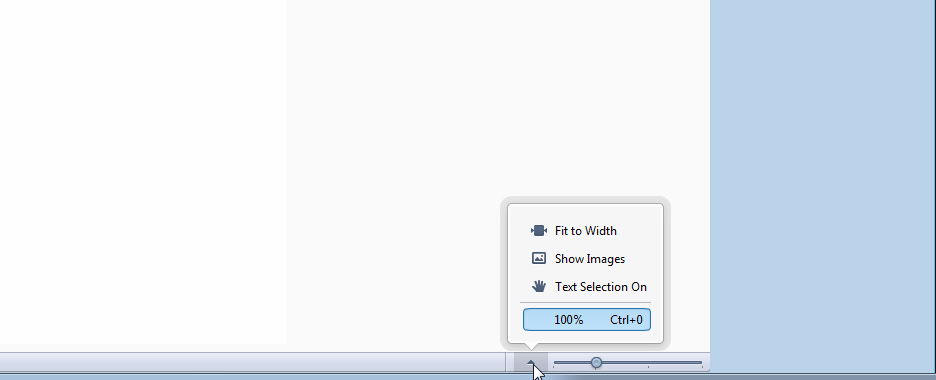
Zoom
Since Opera 2.10, in 1996, Opera could zoom the whole page, text and images together, from 20% to 1000%, at a time when other browsers could only change the font size.
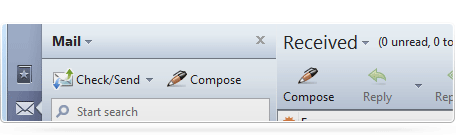
Integrated mail, feeds and chat
Opera had news and mail clients from version 2.00 and a full e-mail client from 4.00. Opera 7.00 replaced it with M2: mail stored in a database and organized with views and labels instead of folders. RSS feeds and IRC chat joined it in Opera 7.50. When Opera moved to Chromium in 2013, the client lived on as a separate program, Opera Mail 1.0.
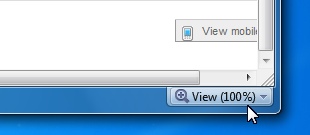
Fit to width
A mode that reformatted pages so that they fitted the window, without horizontal scrolling: a desktop cousin of the Small-Screen Rendering used on phones.
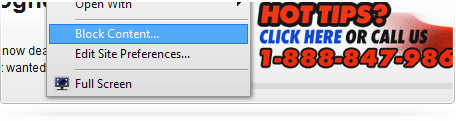
Content blocking and site preferences
Right-click a page, choose Block content, and click the ads or images you never want to see again. Site preferences let you change cookies, scripts and pop-up settings for each website.
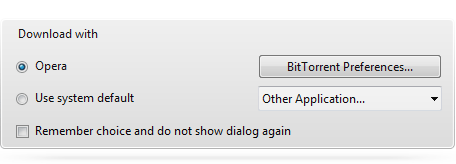
BitTorrent
First tried in the Opera 8.02 technical preview in July 2005, the built-in BitTorrent client shipped with Opera 9.00: .torrent files downloaded without a separate program, and showed in the transfer manager like any other download.
Widgets
Small web applications that ran outside the browser window, on the desktop, and later on phones and TVs. From Opera 10.50, desktop widgets were installed and run separately from the browser. Thousands were published on widgets.opera.com.
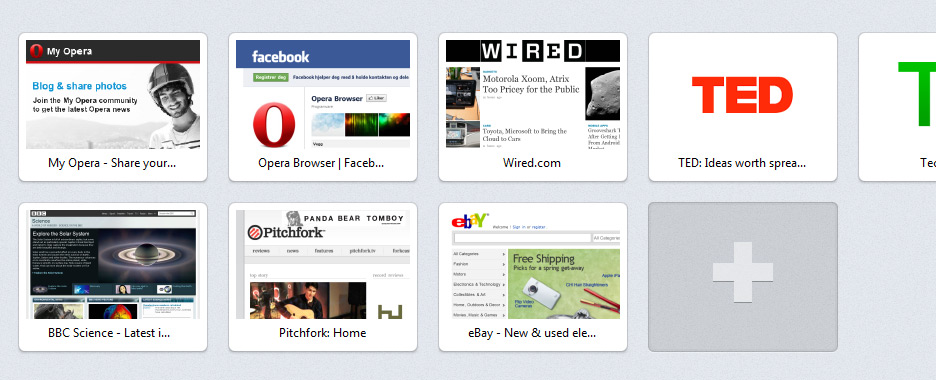
Speed Dial
A grid of thumbnails of your favorite sites on every new tab. Opera introduced it with the Opera 9.20 beta on March 28, 2007, and other browsers later adopted the idea. Opera 11.10 redesigned it, and Opera 11.50 added Speed Dial extensions.
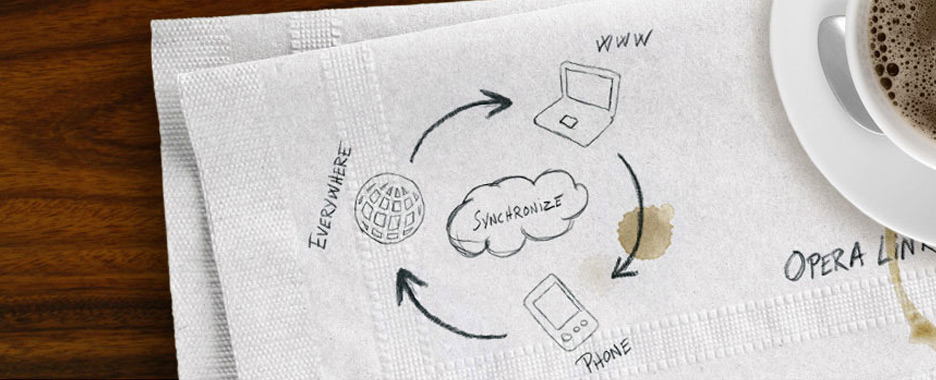
Opera Link
Bookmarks, the Personal bar, Speed Dial and notes synchronized between Opera on computers and Opera Mini on phones; Opera 9.60 added searches and typed history, and Opera 11.50 passwords.
Opera Dragonfly
Built-in developer tools, with remote debugging of Opera running on another device. Announced in May 2008 and shipped as an alpha with Opera 9.50, it reached version 1.0 in May 2011.
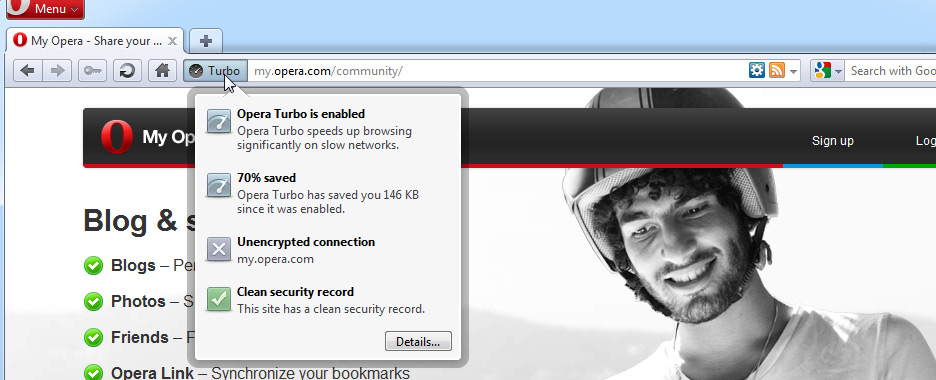
Opera Turbo
Compression through Opera's servers for slow connections, turned on automatically when needed. Tried in a Labs release in March 2009, it shipped with Opera 10.00.
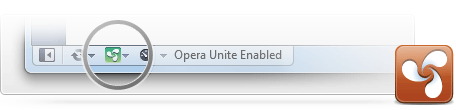
Opera Unite
A web server in the browser, to share files, photos and music directly from your computer. Revealed in a Labs release on June 16, 2009, it shipped with Opera 10.10 on November 23.
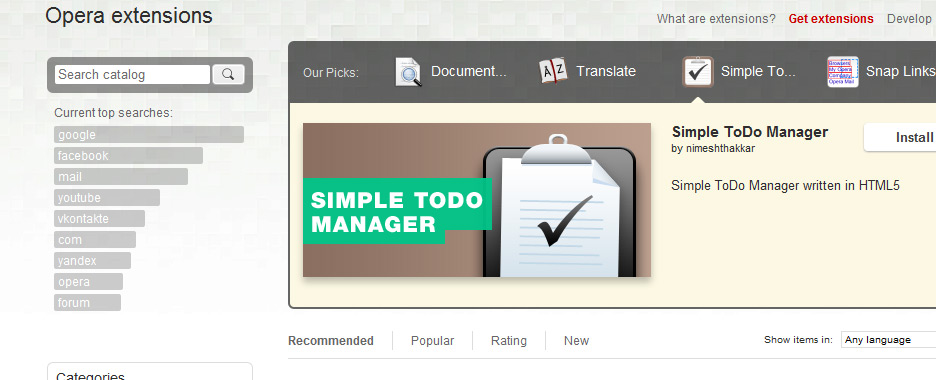
Extensions
Add-ons written in HTML, CSS and JavaScript, installed with one click from addons.opera.com.
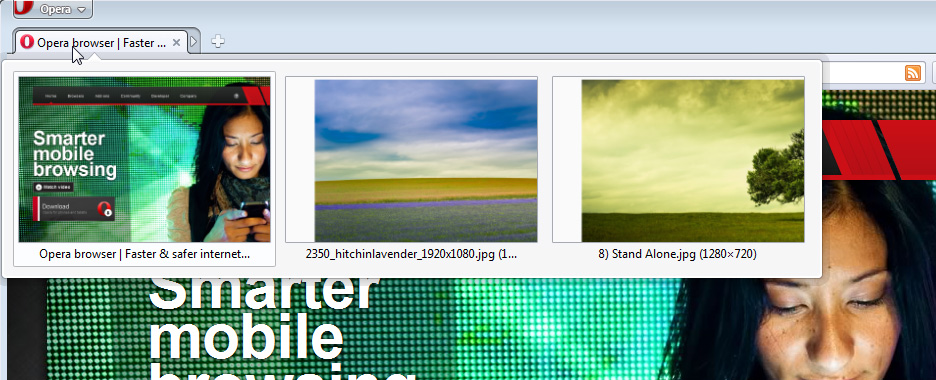
Tab stacking
Drag a tab onto another to group them in a stack, which can be expanded or collapsed.
Versions are given as introduced on the desktop; some features appeared in previews or other platforms earlier. For the exact dates, see the feature facts of Opera's version history.