
Add-ons › Extensions › Productivity

Clip To OneNote
Clip text and pictures from the context menu to MS Office OneNote.
Description
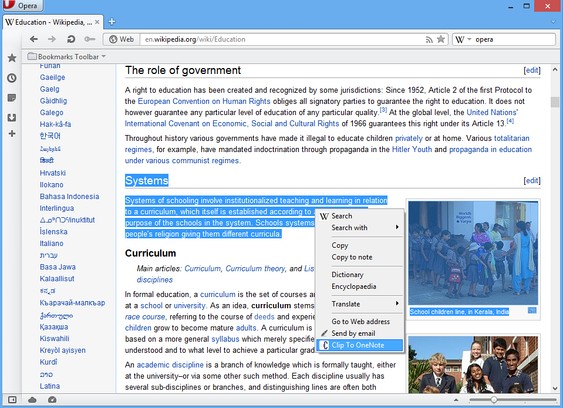
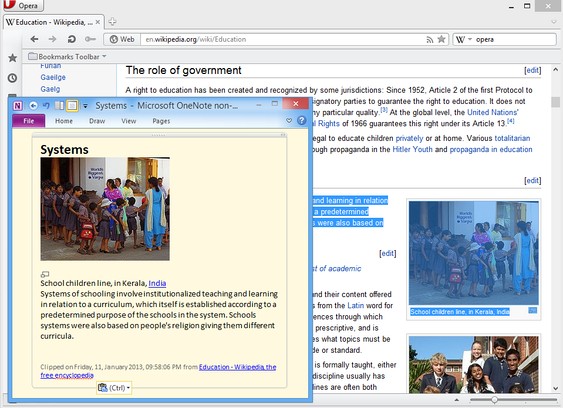
Clip formatted text and pictures from the context menu to MS Office OneNote.
You need to download Clip to OneNote listener in order for this extension to work. Download it here: http://j.madharasan.com/c21nl
You have to set the port number shown in the listener in the extension's preference page.
Select content on a web-page, right click and choose Clip to OneNote from the context menu, the selection will be clipped to OneNote.
Note that if no selection was made the entire page will be clipped.
Screenshots
Download
Works with Opera 11 or later.
About this extension
| Downloads | 609 |
|---|---|
| Category | Productivity |
| Version | 4.0 |
| Size | 76.6 KB |
| License | Full license text |
| Support | Support page |
| Original page | Internet Archive |