
Add-ons › Extensions › Pictures

Fluschipranie
Download your facebook albums with fluschipranie.
Description
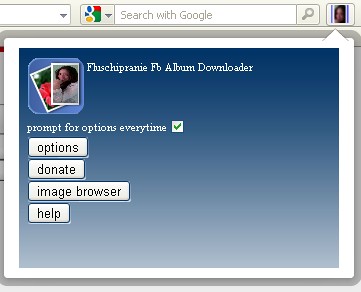
0. By default fluschipranie prompt for prefix and album name every time an album is gonna be stored. You can
customize this behaviour in the extension preferences or clicking the widget button and pressing the options button.
1. To activate or deactivate temporarily fluschipranie you must make right click on your mouse standing on a facebook page.
2. An alert with the message "Fluschipranie Activated # links" or "Fluschipranie Deactivated" should appear. Click it.
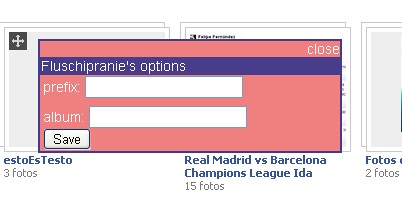
3. After step 2 when positioning the mouse over any album link presented on the page, a popup with input fields for prefix and album
should appear if [prompt for options everytime] is checked. Both input fields can be passed empty by just pressing
save, in that case both input fields will have the value "default". If [prompt for options everytime] is unchecked the popup will contain only the
button save, in that case the values set in the preferences/option file will be used.
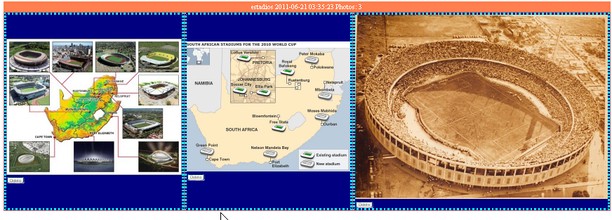
4. You can see your albums pressing image browser in the widget panel.
Screenshots
Download
Works with Opera 11 or later.
About this extension
| Downloads | 6,160 |
|---|---|
| Category | Pictures |
| Version | 1.1 |
| Size | 53.2 KB |
| Last update | July 4, 2011 |
| License | Full license text |
| Support | Support page |
| Original page | Internet Archive |
All versions
- fluschipranie-1.1-1.oex 53 KB