
Add-ons › Extensions › Appearance

Google maps full screen
Adds a button to make Google Maps full screen, also takes screenshots of the map.
Description
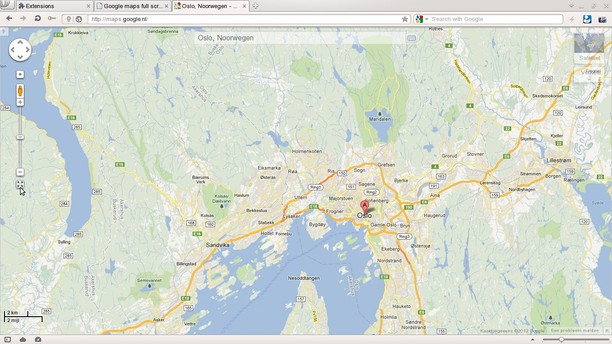
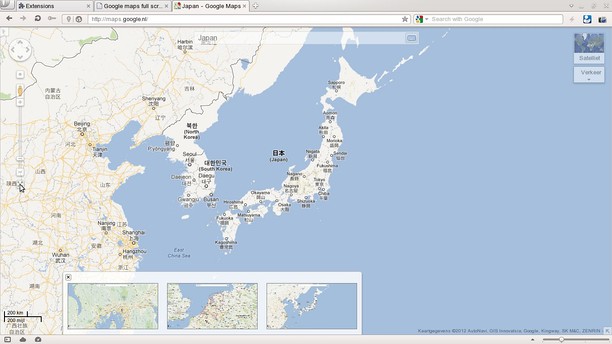
This extension adds a button to Google Maps that lets you hide most of the interface, giving you a much better look at the actual map. A long click on the button will take a screenshot of the visible part of the map (requires Opera 12.10).
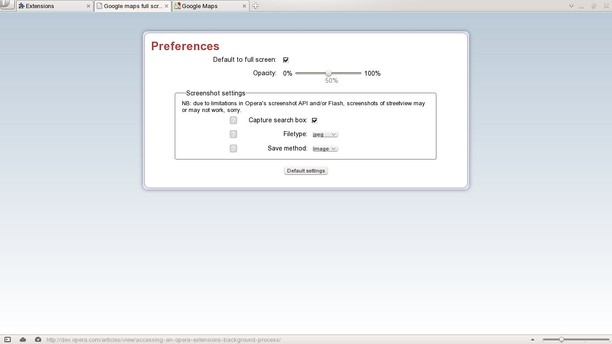
The extension's preferences let you set whether Google maps should default to full screen and how opaque the remaining elements should be. You can also choose the method used for saving screenshots (dowload dialogue or a thumbnail on the map) and whether or not the searchbox should be included in the shot.
Due to limitations in Opera's screenshot API and/or flash, screenshots of Streetview are not guaranteed to work, sorry.
This extension is also available as a userscript from http://extendopera.org/userjs/content/google-maps-full-screen-button The latest extension version can also be found there.
NB: If you have suggestions for the script, please use the "report issues" section and not the reviews section. Due to limitations in the addons.opera page responding to reviews is not possible.
Screenshots
Download
Works with Opera 11 or later.
About this extension
| Downloads | 203,861 |
|---|---|
| Category | Appearance |
| Version | 0.9.1 |
| Size | 11.5 KB |
| License | Full license text |
| Support | Support page |
| Original page | Internet Archive |