
Add-ons › Extensions › Accessibility

Hit-a-Hint for Opera
Hit-a-Hint reimplemented for Opera
Description
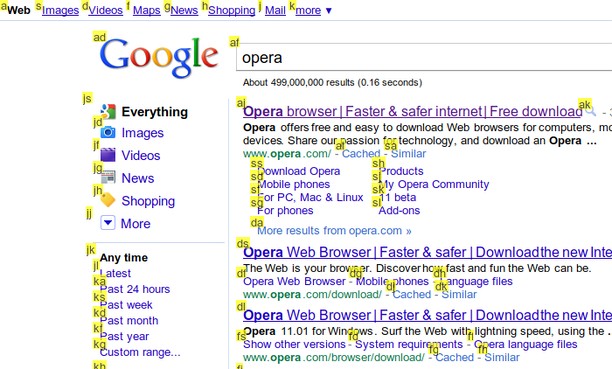
Hit-a-Hint is an old Firefox extension. (wasn't even called an Add-on at the time)
It basically works like this;
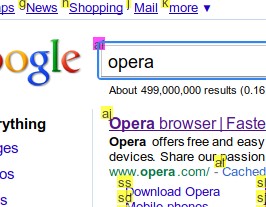
- when you press the "start key", "hints" appear beside every link and input field.
- the "hints" are something like "a", "aa", etc.
- you then type a sequence of keys for the "hint" by the link you want to click
- then press enter to click the link (or input field)
The default "start key" is "f", and "hint keys" are "asdfghjkl" which means the hints consist of those letters. You can set them in the option.
Changelog
v1.0.1
- Made blacklist
v1.0.2
- Fixed hint position on BitBucket and some other sites.
v1.0.3
- Position fix on some sites
Screenshots
Download
Works with Opera 11 or later.
About this extension
| Downloads | 5,568 |
|---|---|
| Category | Accessibility |
| Version | 1.0.3 |
| Size | 8.5 KB |
| Last update | July 4, 2011 |
| License | Full license text |
| Original page | Internet Archive |