
Add-ons › Extensions › Pictures

Make It So
A simple extension which sizes large images to fit in the window, either along one axis or both.
Description
Scale down large images to fit inside your browser window automatically, no matter their size.
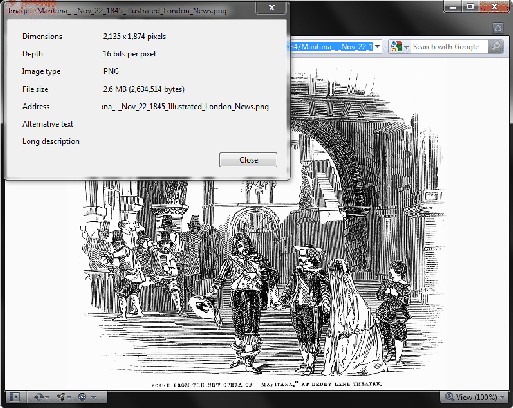
This extension scales down images viewed by themselves so that they can be seen in their entirety if they are too large for the window. It is simple to use and works with both raster images and SVG.
Wikipedia's image of the day is usually a good test, as are The Outspaced Shrine's SVG flowcharts (http://outspaced.fightingfantasy.org/SVG_Flowcharts/main.html), particularly for double-click scaling.
Features
========
- Click to toggle between original size and size fitting the entire image in the window.
- Double-click to fit the short axis to the window, leaving a scrollbar for the long axis.
- Drag to scroll.
- Optional stretching of small images.
- W, A, S and D keys flip image.
- Esc key restores image to its native state.
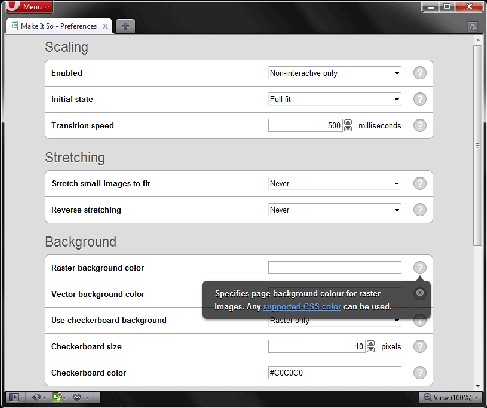
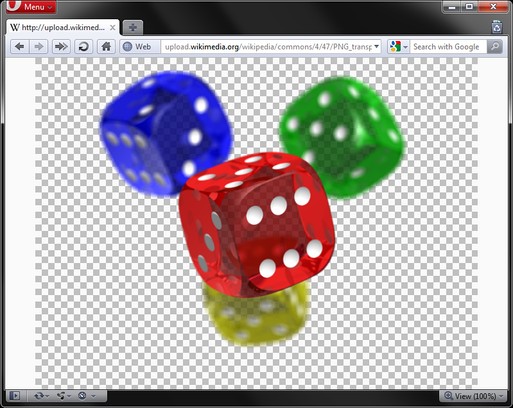
- Optional checkerboard background for transparent images, also toggled with B key. Size and colour of checkerboard square are configurable.
- Selectable page background colour.
- Preferences page to configure extension.
Screenshots
Download
Works with Opera 11 or later.
About this extension
| Downloads | 25,374 |
|---|---|
| Category | Pictures |
| Version | 1.7.2 |
| Size | 17.8 KB |
| License | Full license text |
| Support | Support page |
| Original page | Internet Archive |
All versions
- make-it-so-1.7.2-1.oex 18 KB