
Add-ons › Extensions › Accessibility

Page Hot Key!
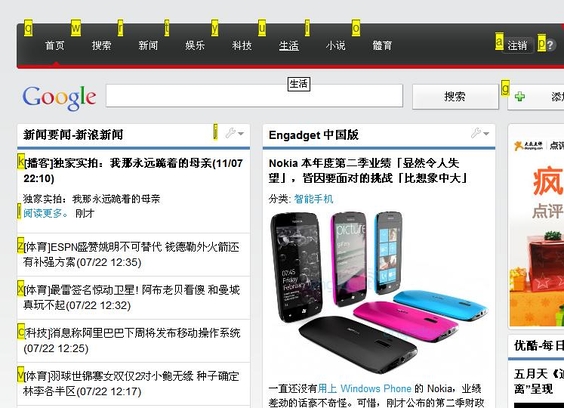
Press Esc to show the hotkeys on the page and press the key to access a link directly, you also can press ~ to switch the hotkey.
Description
When you view a web page, you can press 'esc' to show the accesskeys of the links on the page, and press the relevant key to access the link directly.you can also press '`' to switch the accesskeys
Screenshots
Download
Works with Opera 11 or later.
About this extension
| Downloads | 1,767 |
|---|---|
| Category | Accessibility |
| Version | 1.0.2 |
| Size | 8.0 KB |
| Last update | July 28, 2011 |
| Source | Offline copy of addons.opera.com, June 3, 2013 |
All versions
- page-hot-key-1.0.2-1.oex 8.0 KB (recovered copy)