
Add-ons › Extensions › Tools

PanicButton
Hide all your tabs at once with one single button and restore them later.
Description
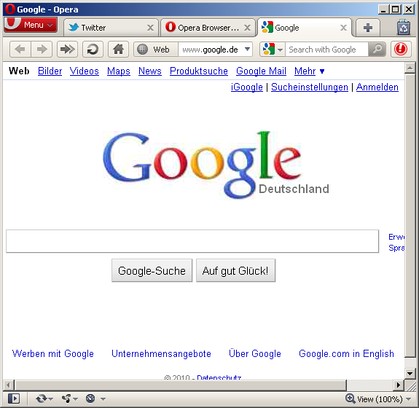
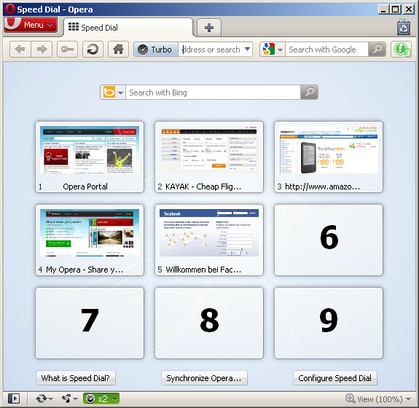
PanicButton makes it easier for you to hide all of your tabs at once just by clicking on a button. After that the PanicButton turns green and shows you how many tabs are currently hidden. They are then stored even if you close your browser.
Another click on the PanicButton restores all of the tabs you have hidden earlier.
You may also make use of PanicButton's keyboard shortcut. Just press ESC to hide and restore all your tabs. (currently only works when you're on a http:// or https:// page)
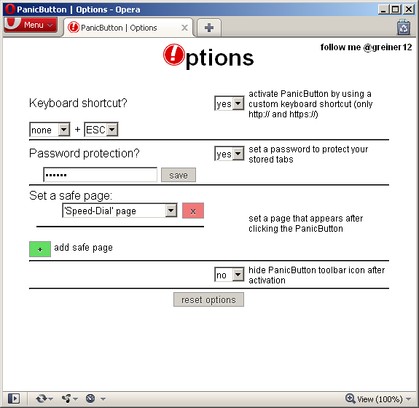
Furthermore you can go to PanicButton's options page to...
- set a password to protect your tabs
- set a custom keyboard shortcut
- hide the PanicButton icon in your toolbar
- set one or more safe pages which appear after hiding your tabs
/////////////// VOTE FOR / SUGGEST FEATURES ///////////////
http://www.google.com/moderator/#15/e=26ce2&t=26ce2.40
Screenshots
Download
Works with Opera 11 or later.
About this extension
| Downloads | 60,187 |
|---|---|
| Category | Tools |
| Version | 0.2.1 |
| Size | 50.3 KB |
| Support | Support page |
| Original page | Internet Archive |
All versions
- panicbutton-0.2.1-1.oex 50 KB