
Add-ons › Extensions › Music

Radio.corbina.ru
Listen your favorite Internet radio station!
Description
The extension uses installed on your system,
multimedia plug-ins to play internet audio streams.
To use all the features of extension need for installed plugins:
----------------------------------------
Microsoft® Windows Media Player Firefox Plugin - 1.0.0.8 (Windows only):
http://www.interoperabilitybridges.com/windows-media-player-firefox-plugin-download
Can play Shoutcast, Iecast, Windows-media streams.
Open links in the form of playlists.
----------------------------------------
VLC Web Plugin - (v2.0.2 Windows,Linux)(v1.1.5 Mac):
http://videolan.org
Can play any streams, shows the name of a song in the tooltip on the button extension.
Open links in the form of playlists.
----------------------------------------
Microsoft Silverlight (Windows only):
http://www.microsoft.com/getsilverlight/Get-Started/Install/Default.aspx
Can play Windows-media streams.
----------------------------------------
Adobe Flash Player (All OS):
http://get.adobe.com/flashplayer
Can play Shoutcast, Iecast streams.
----------------------------------------
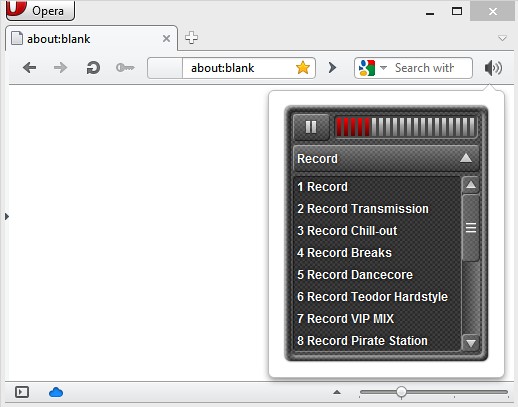
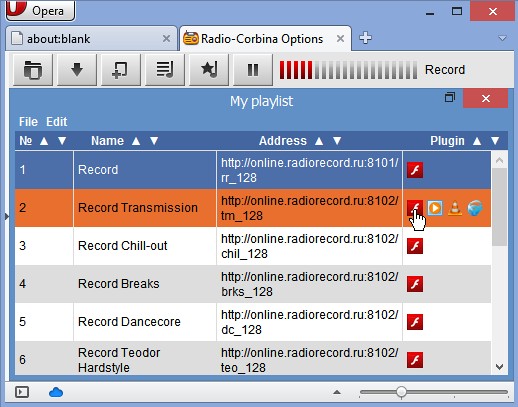
On the settings page, you can make a list of your favorite stations (My playlist),
make a list of shortcuts (Favorites),
configure which of the available plug-ins will be open each station.
For group selection operations in the list use the combination
CTRL + Mouse and SHIFT + Mouse.
Play starts by double-clicking on the selected record.
Before closing the tab with the page settings do not forget to save your changes.
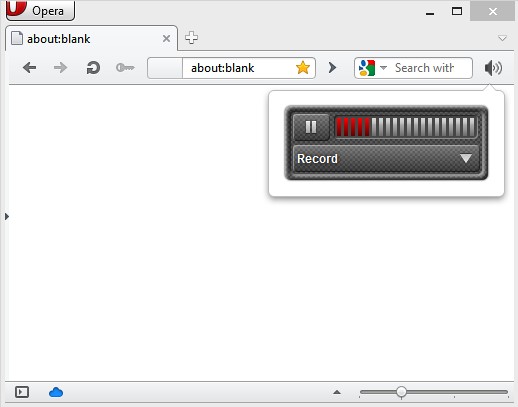
When an error occurs, Adobe Flash Player, a description of the error is displayed on the volume control.
When an error occurs, other plugins, the error description will be displayed in the tooltip on the button extension.
Screenshots
Download
Works with Opera 11 or later.
About this extension
| Downloads | 348,253 |
|---|---|
| Category | Music |
| Version | 2.0.2 |
| Size | 71.7 KB |
| License | Full license text |
| Original page | Internet Archive |