
Add-ons › Extensions › Tools

uTorrent WebUI Buttons
Easy adding torrents to the uTorrent WebUI
Description
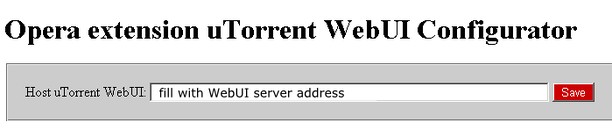
1. Configure the extension (need uTorrent WebUI address)
2. Go to website with torrent links.
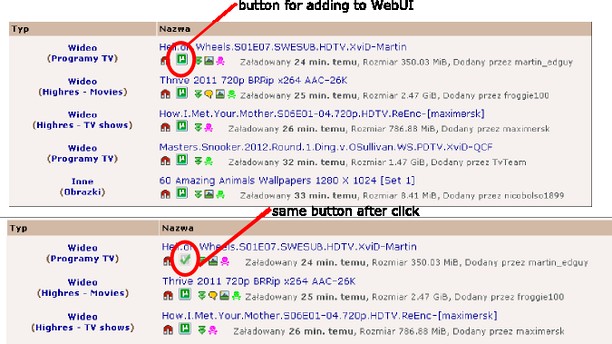
3. Press the button that appears next to an interesting link (uTorrent icon).
4. Check that the torrent has joined the uTorrent WebUI downloads list
This extension based on script:
http://userscripts.org/scripts/show/12452
The original authors are:
Julien Couvreur (http://blog.monstuff.com/)
Jure Merhar (http://blog.merhar.si/)
Screenshots
Download
Works with Opera 11 or later.
About this extension
| Downloads | 31,399 |
|---|---|
| Category | Tools |
| Version | 1.0 |
| Size | 22.5 KB |
| License | Full license text |
| Support | Support page |
| Original page | Internet Archive |