
Add-ons › Extensions › Entertainment

Youtube Autoplay Killer
Enable or disable autoplay of YouTube videos
Description
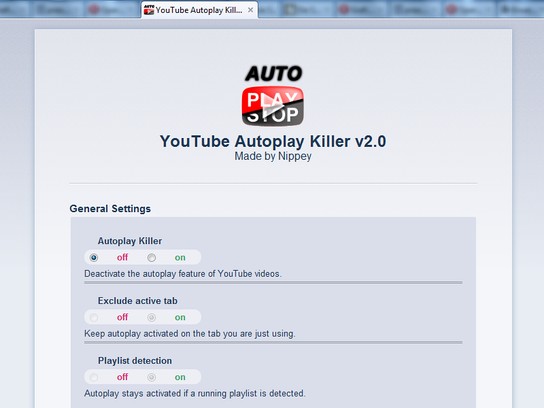
This extension adds the possibility to stop the autoplay function of YouTube videos. The behaviour of pre-buffering can be controlled individually.
The Autoplay Killer can be configured to stop autoplay only on background tabs but can exclude tabs with playlists. So you can surf interruption-free in your main-tab!
[Please keep in mind that this extension is mainly an autoplay killer ;)]
Bonus: Choose the quality to be played and prebuffered in by yourself and adjust the size of the player's window!
These features work regardless of whether the Autoplay Killer is activated or not.
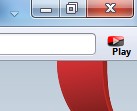
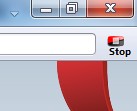
The autoplay-setting can be changed in the options menu or optionally by a button in the toolbar. It is quite nice if you use Youtube's playlist feature frequently and need to turn on autoplay.
If the button is visible, the status of the extension is signalised by a 'play' or 'stop' icon.
Thank you for your feedback!
Screenshots
Download
Works with Opera 11 or later.
About this extension
| Downloads | 84,725 |
|---|---|
| Category | Entertainment |
| Version | 2.1-b |
| Size | 56.7 KB |
| Last update | July 12, 2012 |
| License | Full license text |
| Support | Support page |
| Original page | Internet Archive |