
Dragonfly Hatches From Beta
Opera Dragonfly is a full-featured development and debugging tool integrated into the Opera browser. It requires no additional installation or setup, and works across many of Opera’s browsers and Opera Presto based products, such as Opera Mobile and Opera Widgets. Check it out in action:
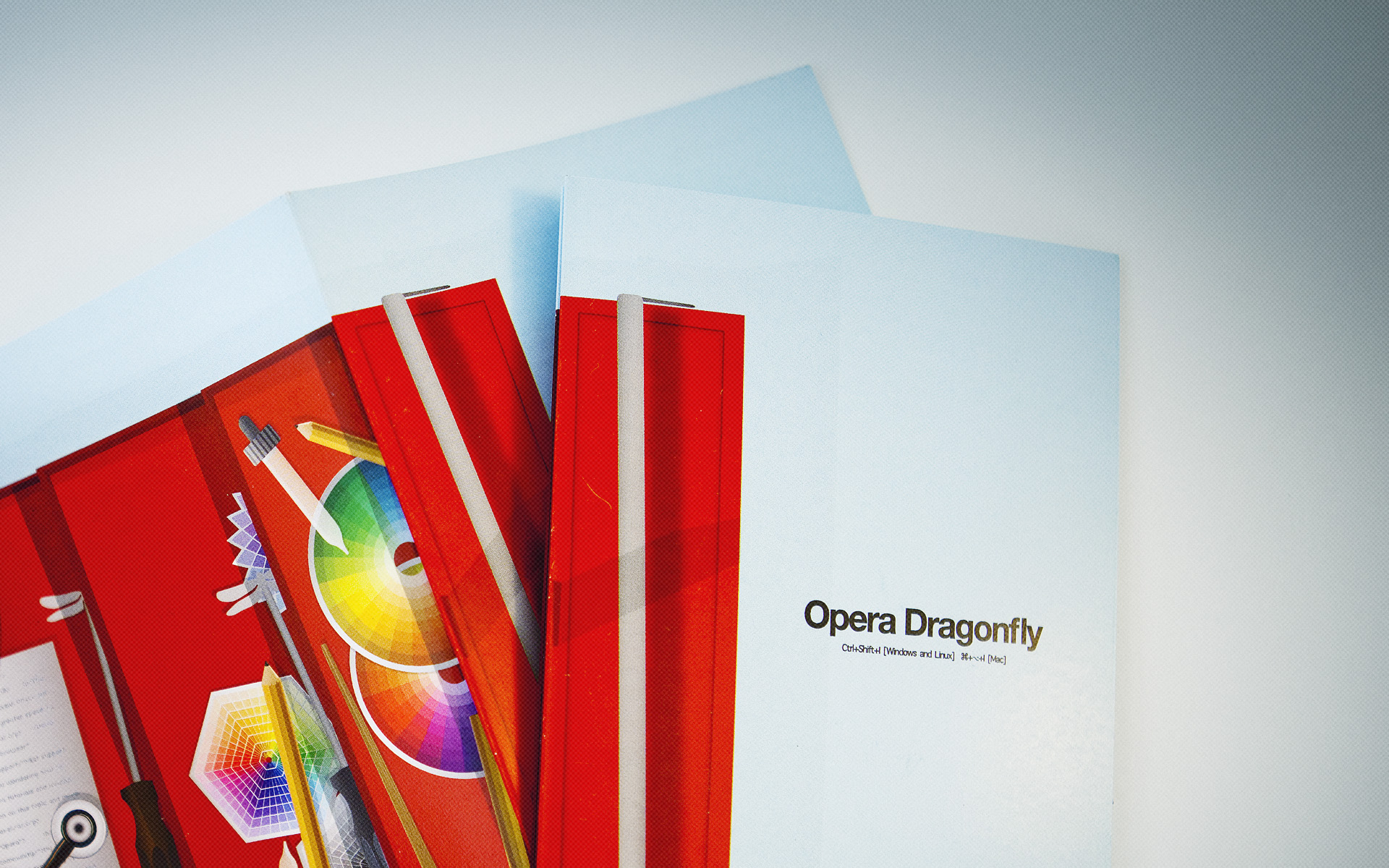
My favorite tool that sets Dragonfly apart is remote debugging for widgets and that you can debug a site loaded on your phone, TV, or any device running Opera Presto 2.1 or above while using your computer keyboard and monitor. You can get the right look with nifty features like real time color picking to really polish a product to look good on a device screen. Too cool.
Learn more about Opera Dragonfly, experiment now by right clicking and choosing Inspect Element, and enjoy a few freshly hatched desktop wallpapers to remind yourself to keep exploring.
Already use Dragonfly? What helpful tips can you share?
Readers' comments 31
Left under the original article, as archived.
About this article
| Published in | Choose Opera |
|---|---|
| Date | May 5, 2011 |
| Author | Aleksander Aas |
| Tags | debug, opera, developer, tools, Dragonfly, free |
| Original | Internet Archive |
TamilThursday, May 5, 2011 8:33:54 AM
Paweł PawlakThursday, May 5, 2011 8:49:39 AM
PS. IMO, the fonts used in the previous version of Dragonfly was better...
Samed AyanThursday, May 5, 2011 8:51:13 AM
blackcaeserThursday, May 5, 2011 8:53:22 AM
Chris RandolphThursday, May 5, 2011 9:01:17 AM
Originally posted by pafflick:
I would agree.
TriadiThursday, May 5, 2011 9:04:18 AM
NecromanThursday, May 5, 2011 9:05:00 AM
FavThursday, May 5, 2011 9:07:48 AM
How to disable blue highlighting for all page objects when using inspector like in the video?
And why is this on by default?
Ronit KumarThursday, May 5, 2011 9:15:39 AM
Aleksander AasThursday, May 5, 2011 9:18:02 AM
http://www.opera.com/dragonfly/documentation/
claudounetThursday, May 5, 2011 9:27:29 AM
ChunWei WangThursday, May 5, 2011 9:53:56 AM
HenryThursday, May 5, 2011 10:02:51 AM
t7yangThursday, May 5, 2011 10:16:32 AM
Russkih SergeyThursday, May 5, 2011 10:20:27 AM
HenryThursday, May 5, 2011 10:31:34 AM
Çağlar YeşilyurtThursday, May 5, 2011 12:29:32 PM
Originally posted by claudounet:
If application cache is enabled, Dragonfly can be used when offline
AllasarThursday, May 5, 2011 12:38:56 PM
Charles SchlossThursday, May 5, 2011 1:11:56 PM
Alan Zuñiga RiojaThursday, May 5, 2011 2:06:54 PM
Aleksander AasThursday, May 5, 2011 2:22:48 PM
Originally posted by khraom:
Yes, you can edit both on any live site!
d4rkn1ghtThursday, May 5, 2011 2:56:10 PM
ZodiusThursday, May 5, 2011 3:54:13 PM
ouzowtfThursday, May 5, 2011 7:45:29 PM
But for product videos Opera should hire more professional sounding speakers.
DaringineerFriday, May 6, 2011 1:15:38 AM
Miles DavisFriday, May 6, 2011 1:18:03 AM
JulianFriday, May 6, 2011 5:43:55 AM
It is really useful because sometimes you can't get everything from the school and the book and fro learn cool web development hacks Opera Dragon Fly is great!
So if you want change the behavior and apparence from a web site without a expensive editor
So press Ctrl +Shift+I for start the fun!!!!!!
KonstantinThursday, May 12, 2011 9:04:06 PM
1. But CSS box-shadow is broken if changed via dragonfly Styles tab. Colors don't displayed/saved there. In case of several shadows, including inset.
Can anybody confirm?
2. Is it possible to debug speed-dial extensions?
Alan Zuñiga RiojaSunday, May 15, 2011 9:32:09 PM
Originally posted by Aleksander:
But you can not edit margins and paddings while you are on the Design tab, only in style tab =(
buboSunday, July 3, 2011 10:31:13 PM
buboTuesday, July 5, 2011 2:10:06 AM
Originally posted by bubo:
I've found the solution in the forums, thanks.